Hearline — Listen to any webpage
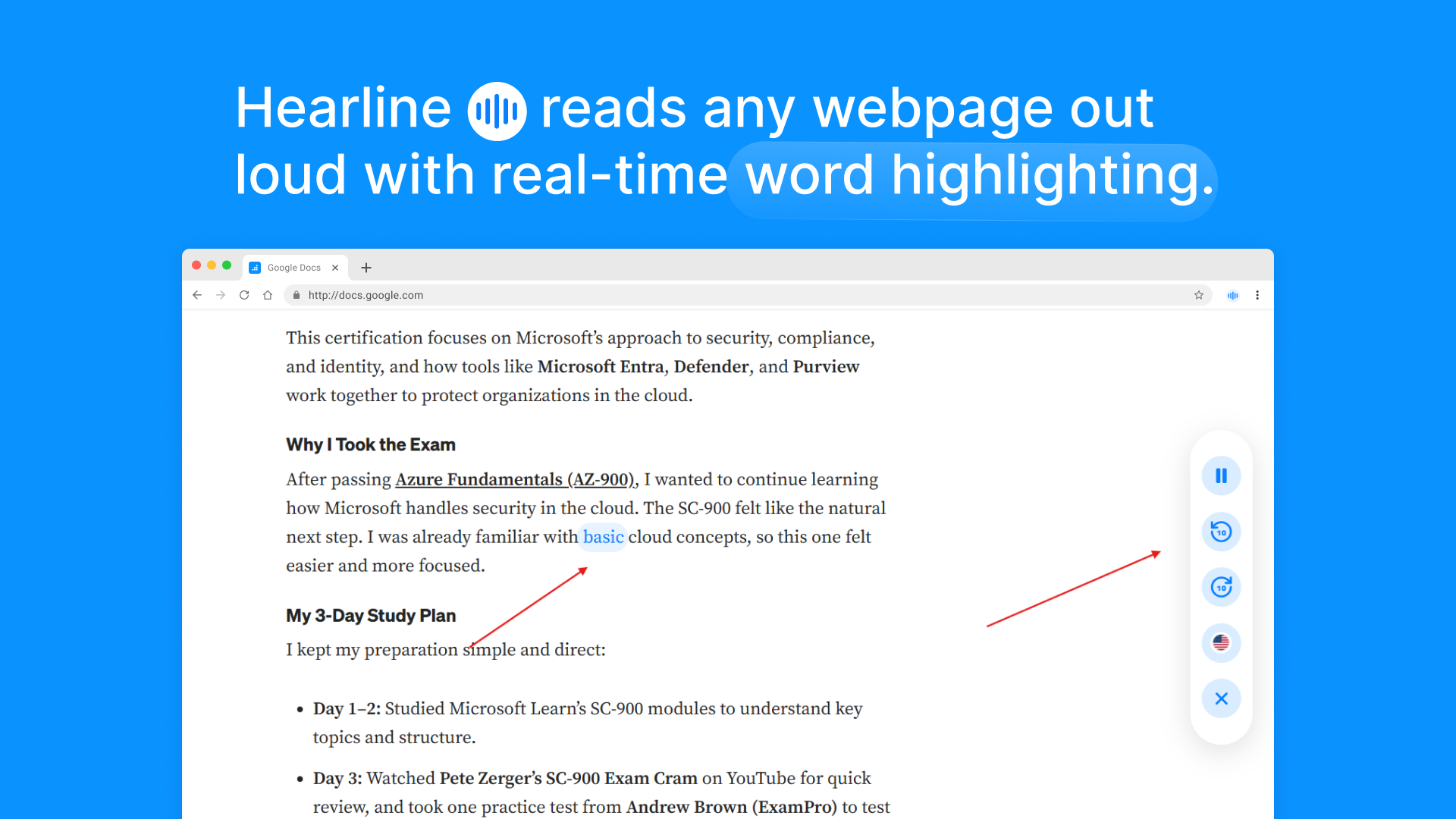
Hearline reads any webpage, article or blog out loud with real-time word highlighting.
What is Hearline?
Hearline is a free Chrome Extension that reads any webpage out loud while highlighting each word in real time. Think of it like a karaoke cursor for the web. It was built for students, professionals, and anyone who learns better by listening.
No account required. No data sent anywhere.

Features
- ✓Read aloud — reads any page or selected text out loud using your browser's built-in voice
- ✓Real-time highlighting — follows along and highlights each word as it is spoken
- ✓RSVP speed reading — flashes one word at a time on screen, up to 3x faster than normal reading
- ✓Smart summarizer — pulls out the key points from any page instantly, no AI or internet needed
- ✓100% private — everything runs inside your browser, nothing is sent to any server
- ✓Works everywhere — articles, blogs, Wikipedia, course pages, and documentation sites
How to Install
Option 1: Chrome Web Store (Recommended)
Click here to install HearlineOption 2: Manual Install
Download or clone this repository
- Open Chrome and go to
chrome://extensions/ - Turn on Developer mode using the toggle in the top right corner
- Click Load unpacked
- Select the
hearlinefolder - The Hearline icon will appear in your Chrome toolbar
How to Use
| What you want to do | How to do it |
|---|---|
| Read the full page | Click the Hearline icon and it starts reading immediately |
| Jump to a paragraph | Hover over any paragraph and click the play button that appears |
| Change reading speed | Use the speed selector in the floating player |
| Pause or resume | Click the pause button in the floating player |
| Stop at any time | Click the close button or press the Escape key |
Privacy & Architecture
Hearline runs entirely on your device. It uses your browser's built-in Web Speech API to generate voice, so no text is ever sent to any server. There is no account to create, no data collected, and no analytics of any kind.
Your reading stays completely private.
Tech Stack
| Layer | Technology used |
|---|---|
| Extension platform | Chrome Manifest V3 |
| Text to speech | Web Speech API (SpeechSynthesisUtterance) |
| Highlighting | Real-time word-level span injection |
| Settings storage | chrome.storage.local |
| Frameworks | None, pure Vanilla JavaScript |
File Structure
hearline/
├── manifest.json # Extension configuration
├── background.js # Service worker
├── content.js # Core engine (extract, chunk, speak, highlight)
├── injected.css # Highlight and player styles
├── popup.html # Extension popup interface
├── popup.css # Popup styles
└── popup.js # Popup controls and messagingContributing
Contributions are welcome. If you have a feature idea or find a bug, please open an issue first before submitting a pull request.
- Fork the repository
- Create your branch:
git checkout -b feature/your-feature - Commit your changes:
git commit -m 'Add your feature' - Push to your branch:
git push origin feature/your-feature - Open a Pull Request
Author
Built by @abdisamadjoe
If Hearline helped you, please leave a star on GitHub and a review on the Chrome Web Store. It helps more people find the extension.